

Create a key
- Go to Account in the dashboard
- Click API Keys in the sidebar
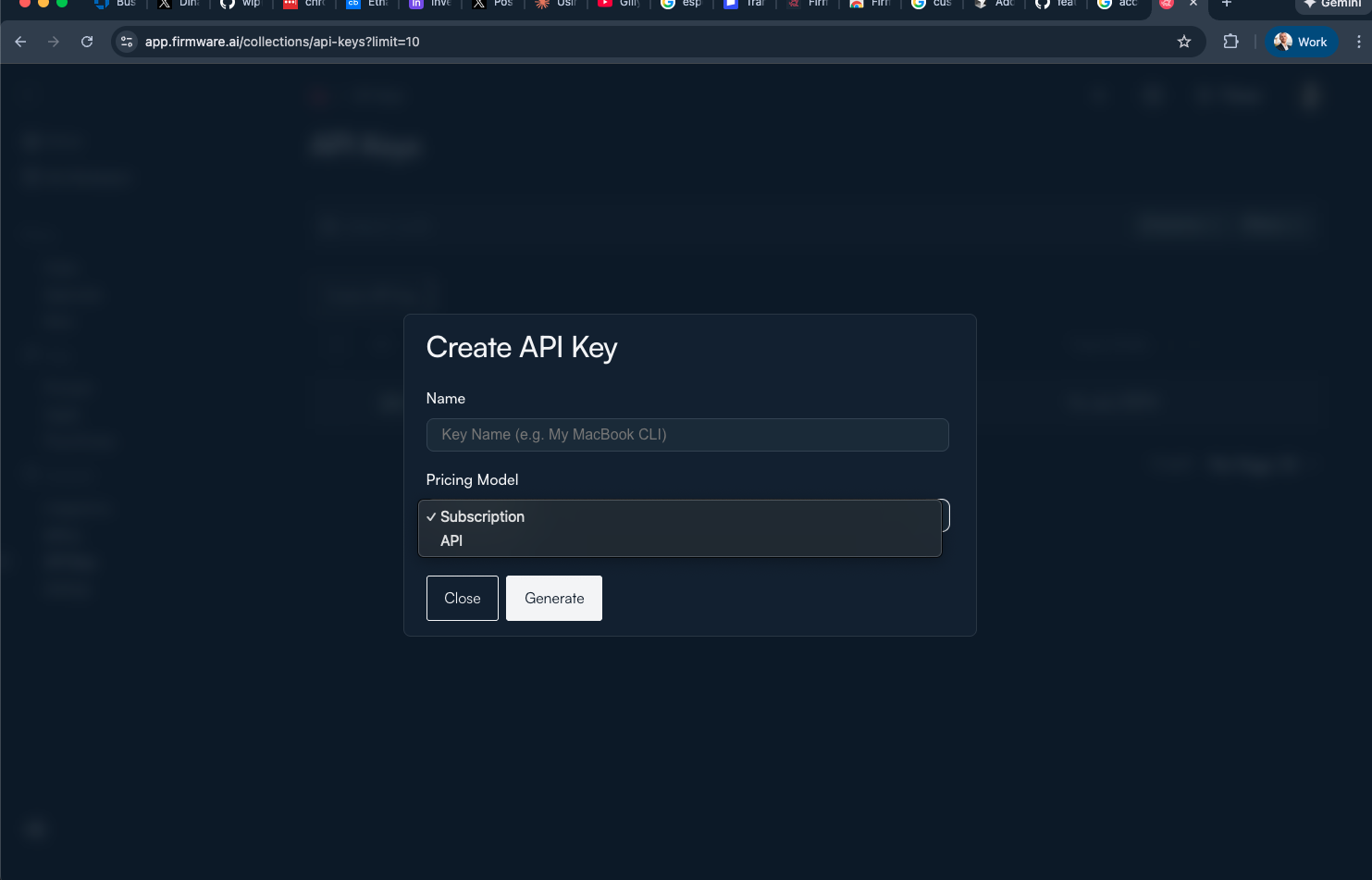
- Click Create API
- Select a pricing model: Subscription or API
- Click Generate
Use the key
Include your API key in theAuthorization header or x-api-key header.
Pricing models
| Model | Description |
|---|---|
| Subscription | Fixed monthly rate with included usage |
| API | Pay per token based on model pricing |